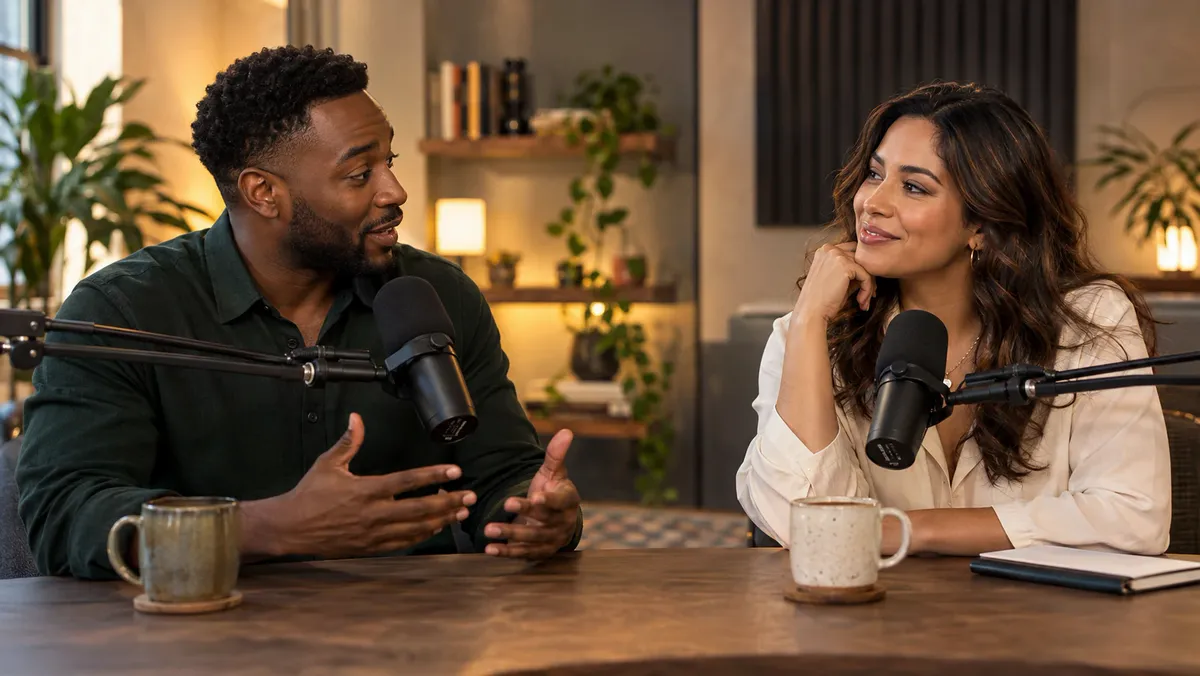
Audio & video transcription

Audio Transcription:
Upload Audio or Video,
Get an Accurate Transcript

Transcribe MP3, MP4, voice memos and more into searchable text you can copy, edit and export as TXT or SRT.

Drop audio or video here or MP3, WAV, M4A, MP4 and more · up to 30 minutes per recording · pick several to queue them

Audio is processed and saved in this browser. The speech model downloads on first use.

500 MB per file No sign-up needed No credit card
Made for real conversations

From interviews to podcasts and beyond.

CrispScribe works wherever real conversations happen. Get clear, structured transcripts that help you focus on what matters.

A studio microphone on a desk, ready for an interview

Interviews

Capture and organize insights. From customer, user, or research interviews.

A team member taking notes during a meeting

Meetings

Keep track of decisions. Action items and key points from team meetings and calls.
A podcast host speaking into a microphone

Podcasts

Give every episode a second life. Polished transcripts, show notes, and shareable content.

Simple by design

From recording to ready-to-use text

Three steps. No complicated setup.

01

Upload a recording

Add an audio or MP4 file. Public-link import is not connected yet.

02

Get your transcript

CrispScribe transcribes your file with approximate timestamps.

03

Search, copy and export

Find the passage you need, then copy it or download TXT or SRT.

Built for real conversations

Everything you need to make audio useful

Go from a long recording to the exact sentence you were looking for—without replaying the whole file.

Speaker identification

Speaker identification is not available in the current browser-local mode.

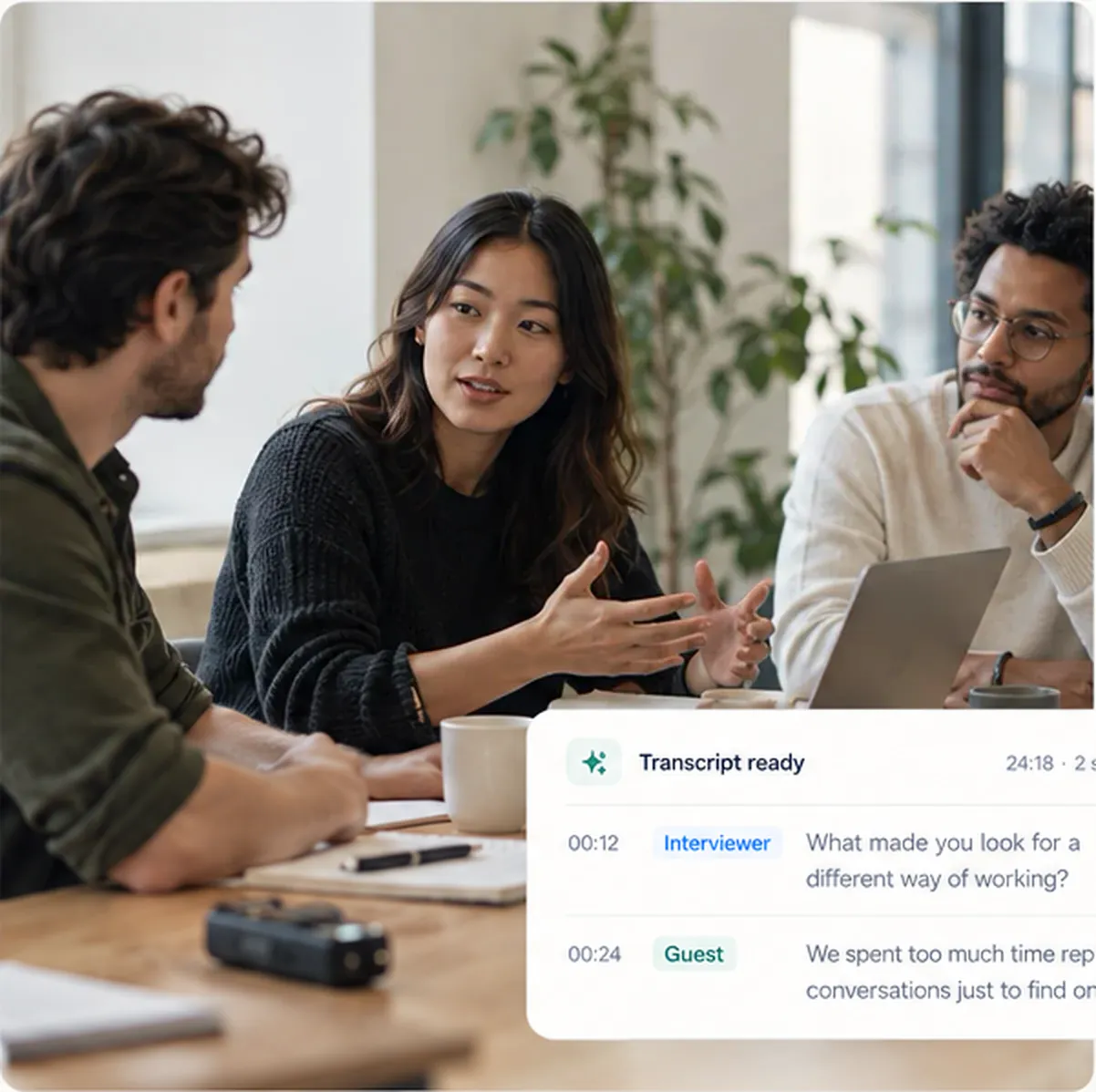
00:12 Interviewer What made you look for a different way of working?
00:28 Guest We spent too much time replaying conversations just to find one detail.
01:12 Interviewer So the problem was not capturing the conversation.
01:28 Guest It was making the conversation useful afterwards.

Every moment, easy to find

Approximate timestamps let you jump near the corresponding audio.

00:12 ━━━━━━━━━━━ 01:48 ━━ 03:26

Search inside your transcript

Jump straight to a name, topic or phrase.

customer insight

One of the biggest customer insights we had...

Text that fits your workflow

Copy clean text or export TXT and SRT from the workspace.

Transcribe across languages

Automatic language detection supports multilingual recordings.

Hello你好HolaBonjour
Accuracy depends on recording quality. Review names, numbers and quotes before publishing.
Made for your work

One recording. So many possibilities.

Turn spoken moments into text you can search, share and build on.

A team meeting in a bright office
Meetings

Keep the decisions, skip the replay

Make discussions and action items easy to find, so nothing falls through the cracks.

Two people recording a podcast
Podcasts

Give every episode a second life

Turn episodes into transcripts, show notes and shareable content.

Students listening to a lecture
Lectures & interviews

Stay present while capturing the details

Focus on the conversation and let CrispScribe handle the notes.

A video editor reviewing a timeline
Videos & social clips

From spoken content to ready-to-edit text

Get a clean transcript you can search, edit and turn into captions or scripts.

Do I need an account to transcribe audio?
No. You can upload a file without creating an account. The workspace stores transcripts locally on this device, not in a cloud account.
Is there a monthly minute limit?
This build does not meter minutes or enforce a monthly quota. Uploads are limited by file size, up to 500 MB per file.
Which file formats can I upload?
MP3, WAV, M4A, FLAC, AAC, OGG, OPUS, WMA, AIFF, AMR, WEBM and 3GP audio, plus MP4 video. Support for each format depends on your browser.
Can I transcribe a YouTube, TikTok or Instagram link?
Not yet. The link field is present, but public-link transcription is not connected. Please upload a file you have the right to process.
Where are my transcripts stored?
In this browser on your device. Recordings and transcripts are not synced to other devices.
Can I edit and export a transcript?
Yes. Open a transcript in the workspace to edit segment text, copy it, or download TXT and SRT. Edits are saved to the local job record.
Ready when you are

Your next transcript starts here

Upload a recording and turn it into useful text—no account needed to get started.

Start with a recording